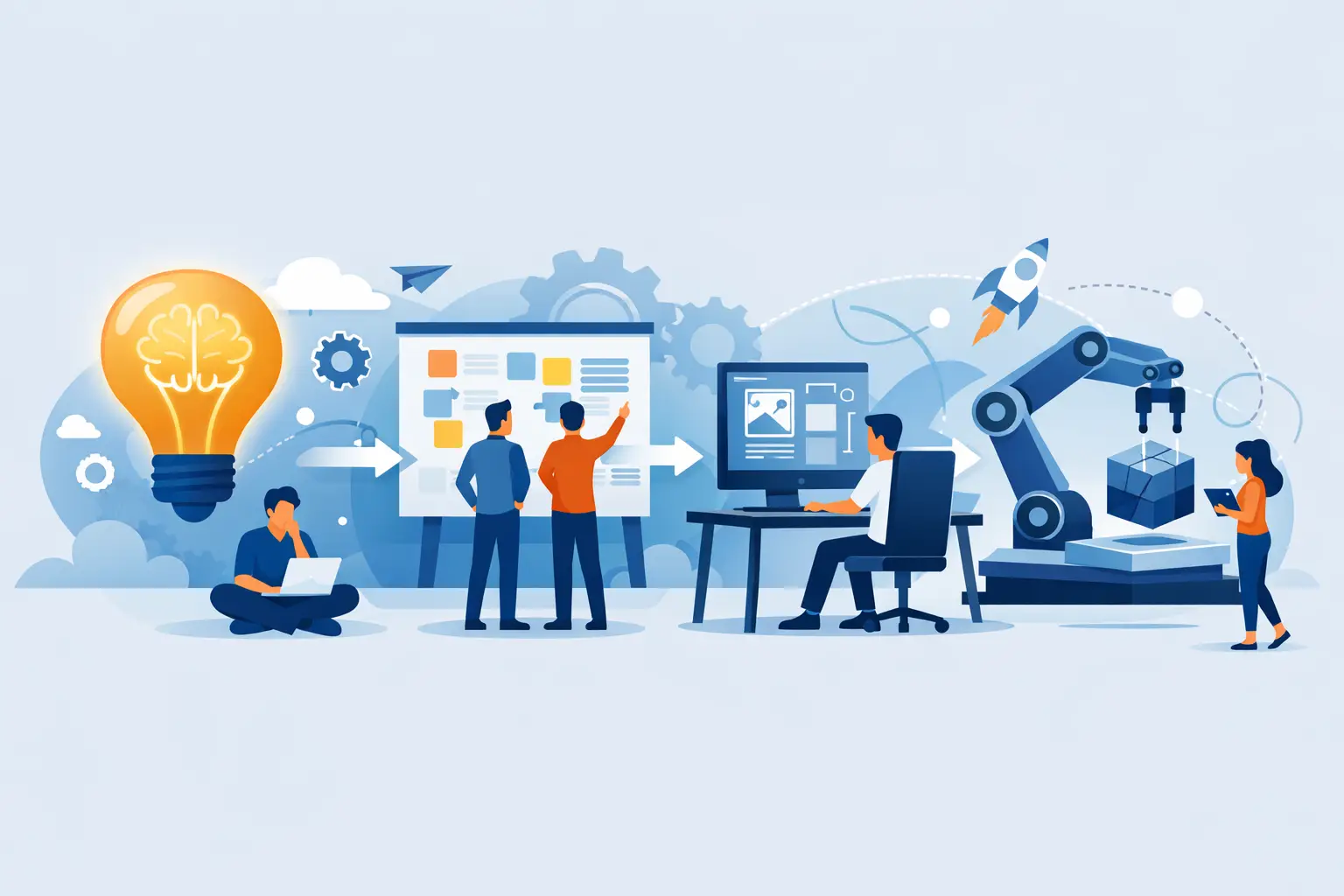
A good idea to prototype workflow does not begin with screens, prompts, or a long feature list. It begins with a decision: what is the smallest useful experience you can put in front of a real person to learn whether the idea deserves more time?
That distinction keeps teams from building polished versions of untested assumptions. A prototype is not a smaller copy of the final product. It is a focused way to answer a specific question, quickly enough that you can still change direction.
Start with the problem, not the product Most product ideas arrive as solutions. “A marketplace for local experts.” “A dashboard for agency reporting.” “A simple way to manage shared expenses.” Those are useful starting points, but they are not yet a build brief.
Turn the idea into a clear problem statement: who has the problem, what are they trying to accomplish, and where does the current process break down? For example, an agency owner may need to show clients campaign results without spending hours assembling the same report every month.
This level of clarity affects every decision that follows. If the problem is reporting overhead, the prototype should test whether a client can understand the right metrics in one place. It should not start with billing, team permissions, a dozen integrations, or every visualization imaginable.
A practical test is to finish this sentence: “We believe that when [specific user] can [specific action], they will get [specific outcome].” If the sentence stays vague, the prototype will usually become vague too.
Define the question your prototype must answer The fastest projects have a narrow learning goal. Before choosing a stack or writing a prompt, decide what uncertainty matters most.
You may need to learn whether users understand the product’s core value, whether they will complete a key task, whether a workflow fits their existing habits, or whether a particular interface makes sense without explanation. These are different questions, and they call for different prototype fidelity.
A clickable concept can be enough when you are testing navigation, language, and perceived value. A working web app is more useful when the question depends on real behavior, such as importing data, creating an account, saving a record, or receiving a notification.
Do not treat higher fidelity as automatically better. It costs more attention to build and can create false confidence if users are impressed by polish but do not actually need the product. Build only enough reality to make the answer credible.
Scope one complete user journey The most common prototype mistake is building features instead of a journey. Features look productive in a backlog. Journeys reveal whether the product works.
Choose the primary user and map the shortest path from their first meaningful action to their desired outcome. For a lightweight client reporting tool, that might be: sign in, select a campaign, view a performance summary, and share it with a client. Everything outside that path is optional until the path itself holds up.
This is often called a vertical slice. It crosses the interface, logic, and data needed for one meaningful experience, even if the rest of the product is still incomplete. A vertical slice is more revealing than a collection of isolated screens because it exposes handoffs, empty states, confusing labels, and the points where users hesitate.
Be deliberate about what stays out. Skip edge cases that are unlikely to appear in early testing. Use realistic sample data when live data is not necessary. If authentication is not part of the question, a simple entry point may be enough. The goal is not to hide limitations. It is to protect the learning objective from scope creep.
Build the first version around decisions Once the journey is clear, describe the prototype in terms of actions and outcomes rather than visual preferences alone. “Let a user create a project, add three tasks, and see what is due this week” is far more useful than “make a clean project management app.”
A strong build brief includes the user, the core flow, the information required on each screen, and the states that change after an action. It also identifies what must be functional. If a user needs to save a project and return to it later, persistence matters. If you are only testing whether they understand the setup flow, simulated data may be appropriate.
AI app builders can make this step substantially faster, but the prompt still needs product judgment. Give the builder context about the audience, the workflow, the desired output, and the visual direction. Then review the generated result as a product owner would: does it make the next action obvious, and does each screen earn its place in the journey?
With Sparkly, you can use a planning workflow when the product needs more structure or move quickly into a first build when the scope is already clear. In either case, treat the first result as a working hypothesis, not a finished deliverable.
Preview early and refine the right details The prototype becomes useful when someone other than its creator tries it. Watch for the moment users pause, ask what something means, or take a path you did not expect. Those moments are more valuable than general praise.
Ask participants to complete a scenario rather than review the design in the abstract. For example: “You just finished a campaign and need to send your client a clear update. Show me what you would do.” Avoid explaining the interface as they go. If the flow needs a narrated tour, it is not ready to teach you much.
After each session, separate comments from evidence. A user may say they like a feature but never touch it. Another may complain about a visual detail while still completing the core task quickly. Prioritize patterns in behavior, especially where they block completion or weaken the product’s value.
Refine one variable at a time when possible. Change the call to action, simplify the input sequence, rewrite the empty state, or reorder the information hierarchy. If you redesign everything between tests, you will not know which change improved the experience.
Connect real services only when they change the test A prototype can stay lightweight for longer than many teams expect. But there is a point where real integrations are necessary. If your product’s promise depends on accounts, saved data, payments, collaboration, or a third-party system, a mock can only tell you so much.
This is where the workflow shifts from concept validation to product validation. Connecting a database can reveal whether your data model supports the actions users need. Adding authentication can expose onboarding friction. Connecting Stripe can test whether the value is clear enough for someone to pay.
Use those integrations intentionally. A real service introduces setup, security, and maintenance considerations. Add it when it makes the prototype more truthful, not because production infrastructure feels like progress.
Set a decision point before you test A prototype without a decision rule can turn into an endless polishing loop. Before sharing it, define what you need to see to continue, revise, or stop.
That rule can be qualitative. Perhaps five target users should understand the value without a walkthrough and complete the core flow. It can also be behavioral, such as users returning to update a project or asking when they can use the product for real work.
The right threshold depends on the risk. A consumer app may need broad evidence of demand. An internal tool for a known team may need only enough proof that the workflow saves time and fits existing processes. What matters is deciding before feedback makes every signal feel equally persuasive.
Keep the workflow moving The point of a prototype is not to prove that your original idea was correct. It is to replace assumptions with better ones while changes are still cheap. Keep the problem visible, keep the first journey small, and let real behavior decide what earns the next build.
When the core experience starts making sense without explanation, you have something more useful than a polished mockup: a direction worth developing.