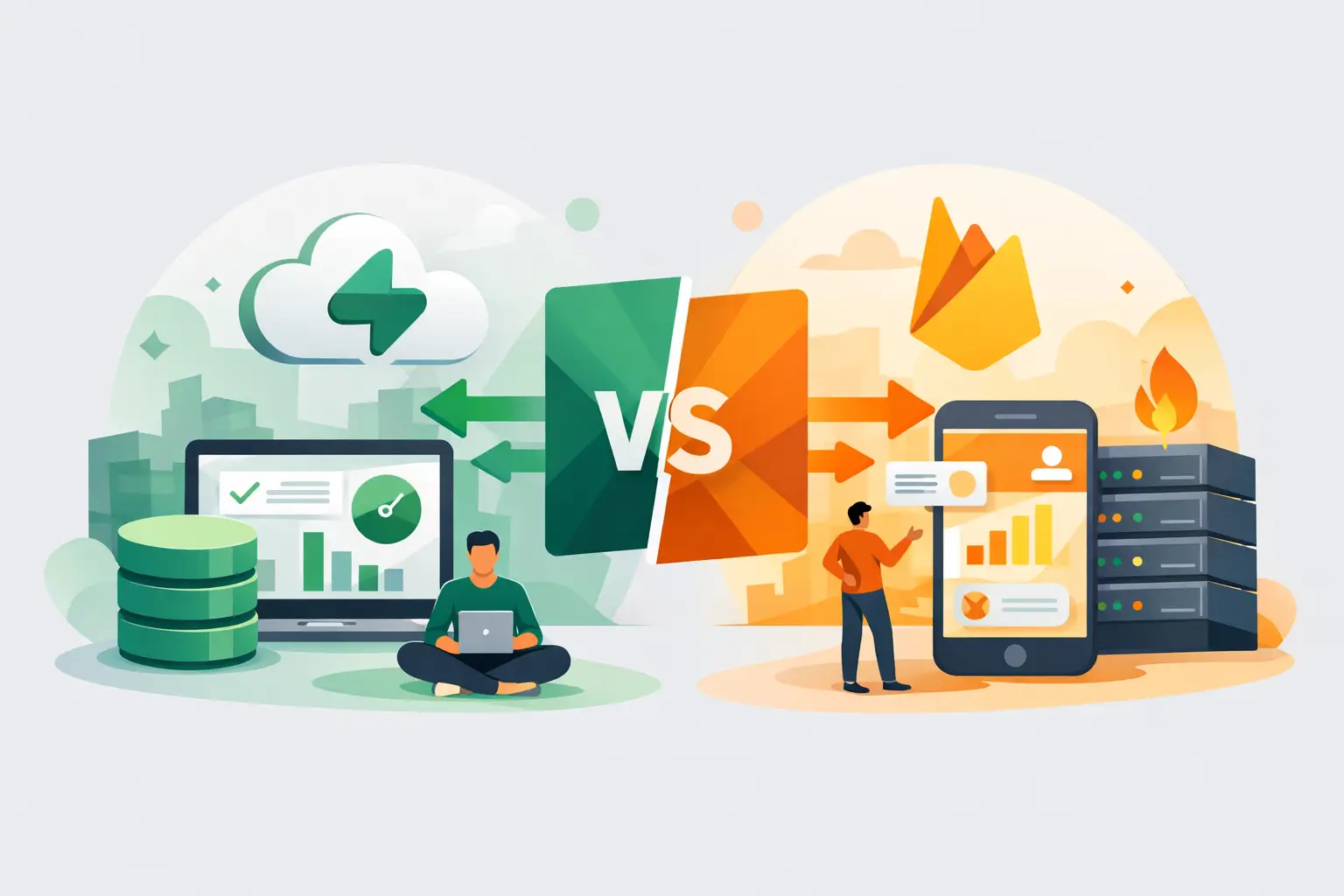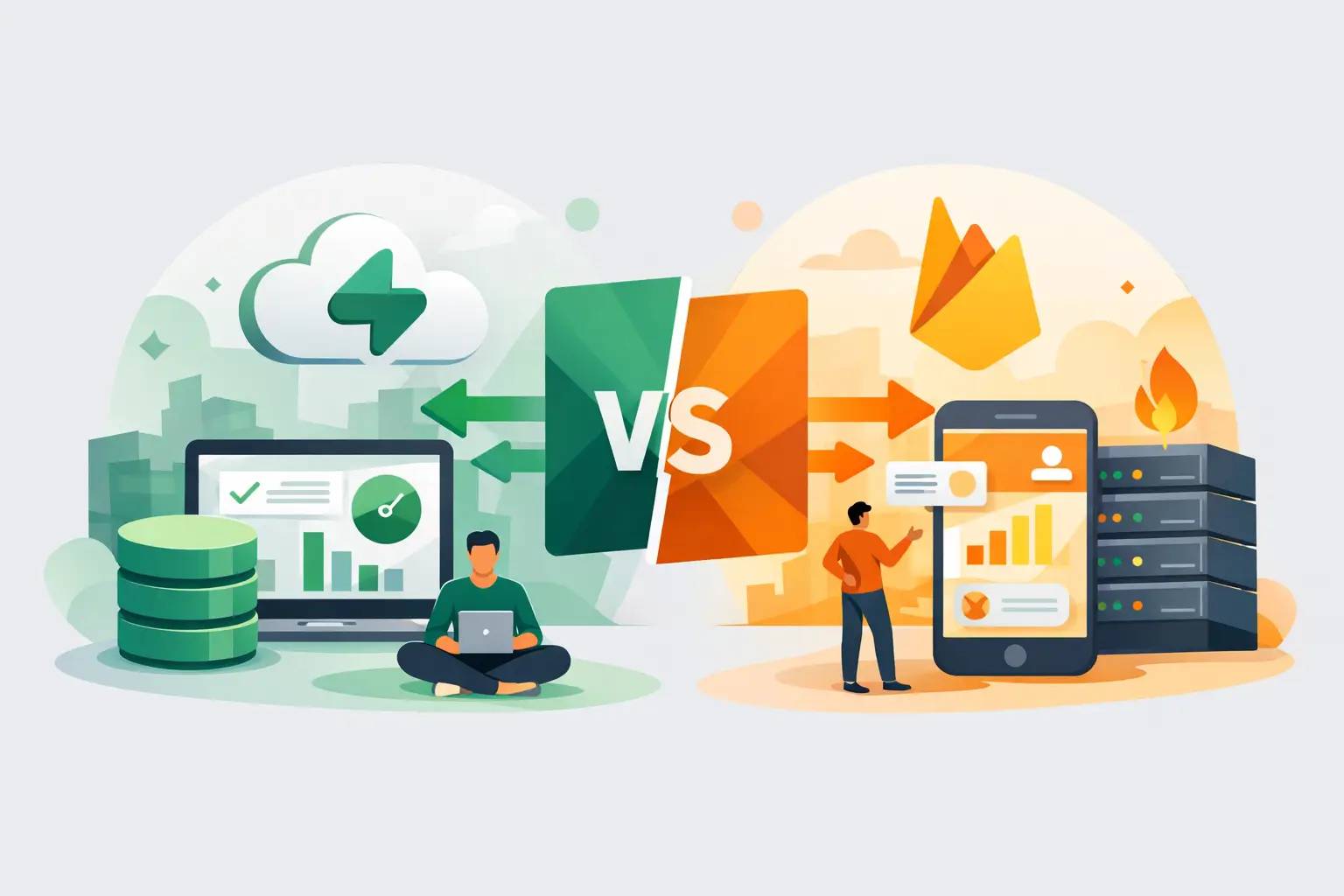
A chat app with user profiles, subscriptions, and a team dashboard can look like a simple first release. The backend decision behind it is not. In the Supabase vs Firebase choice, the better option depends less on feature checklists and more on how you expect your data, team, and product to evolve.
Both platforms remove a large amount of backend setup. Both offer authentication, databases, storage, server-side logic, and client SDKs. The difference is in the model they ask you to work with: Supabase is centered on Postgres and standard SQL, while Firebase is built around Google-managed, document-oriented services.
For a fast prototype, either can get you to a working product. For an app you expect to refine over months or years, the details matter sooner than most teams expect.
Supabase vs Firebase at a glance Supabase gives you a managed Postgres database with a developer-friendly layer around it. You get SQL, relational data, row-level security, authentication, file storage, real-time capabilities, and edge functions. Its structure feels familiar if you have worked with a traditional application database, and it remains approachable if you are learning because your data is visible in tables and queried with SQL.
Firebase is a broader Google platform that includes Firebase Authentication, Cloud Firestore, Realtime Database, Cloud Functions, Cloud Storage, hosting, analytics, crash reporting, and more. Firestore is its common default database: a NoSQL document store designed for real-time updates, scalable client access, and low-latency mobile and web experiences.
The practical distinction is simple. Supabase starts with relationships between data. Firebase starts with documents shaped around the reads your app needs to perform.
That does not make one universally better. It changes the kind of planning that pays off.
Choose Supabase when your app has connected data Most product apps quickly develop relationships: an organization has members, members have roles, projects have tasks, tasks have comments, and subscriptions belong to accounts. In Postgres, this is natural. You create tables, connect them with foreign keys, and use joins when you need a complete view.
Supabase is usually the more direct fit for SaaS products, marketplaces, internal tools, booking systems, directories, and dashboards. These products often need filtering, reporting, permissions, and queries that span several related records. SQL is especially useful when product questions become operational questions, such as finding accounts with inactive projects or calculating monthly revenue by plan.
Row-level security is another major reason teams choose Supabase. Policies live close to the data and can control exactly which rows a signed-in user can read, create, or edit. This gives you a clear security model for multi-tenant apps, where users should only see data from their own workspace.
Supabase also offers more portability at the data layer. Postgres is an established standard, and the database model is not unique to one frontend framework or one vendor-specific query language. Moving a production system is never effortless, but standard SQL and PostgreSQL tooling reduce the amount of custom logic you need to unwind later.
There is a trade-off. With flexibility comes responsibility. You need to think about schemas, indexes, migrations, and security policies. A visual app builder can help generate a strong starting point, but those decisions still deserve review before you open an app to customers.
Choose Firebase when real-time client behavior leads Firebase is often the faster fit for apps where the client needs to synchronize state constantly and where data can be modeled as independent documents. Think collaborative experiences, live feeds, messaging features, mobile utilities, event updates, or lightweight consumer apps.
Firestore makes it straightforward for a client to listen to a document or query and update the interface when the underlying data changes. Firebase also has mature mobile tooling and a deep connection to the Google ecosystem. If Android, iOS, push notifications, performance monitoring, and app analytics are central to your launch plan, that integrated surface area is valuable.
Firebase Authentication is also a familiar choice for teams that want common sign-in methods with minimal setup. It supports the authentication flows many consumer products need, and its SDK-first approach is convenient when the app client handles much of the interaction.
The trade-off appears as your data becomes more relational. Firestore does not support SQL joins. Instead, you often duplicate selected data across documents to make reads efficient. That can be the right design for a feed or messaging app, but it requires discipline. When a user changes their display name or a project changes status, every duplicated copy must stay consistent.
Firebase security rules are powerful, but they are their own system to learn. They work best when your data structure and access patterns are designed with those rules in mind. Complex permission logic is possible, yet it can become harder to reason about than a relational database with explicit policies.
Data modeling is the decision most teams underestimate The Supabase vs Firebase decision is often framed as SQL versus NoSQL. That is accurate, but too abstract. A better question is: what does a typical screen in your app need to load?
If a screen needs a project, its owner, the latest activity, assigned teammates, a payment status, and a set of role-based permissions, relational queries are likely to keep the system cleaner. Supabase lets you preserve a normalized source of truth, then query related data when needed.
If a screen mostly reads and updates self-contained records, Firebase can be extremely efficient. A document-based model works well when an item carries the information required for its primary view and when the same data is not repeatedly connected to many other entities.
Neither model prevents good product design. The risk is choosing a database around the first screen you build rather than the workflows that arrive next. Map the core entities before committing: users, organizations, permissions, transactions, content, and the events that connect them. If the map is dense with relationships, start with Postgres unless you have a strong reason not to.
Authentication, storage, and server-side logic Both platforms cover the fundamentals well. Supabase Auth and Firebase Authentication support email and password, social sign-in, token-based sessions, and common identity flows. For a standard web product, either is capable.
Supabase can feel more cohesive when authorization depends heavily on database records. A user’s role, organization membership, and plan can live in Postgres and inform row-level security policies. This is useful when permissions are a core product feature rather than an afterthought.
Firebase is compelling when you want its surrounding services. Cloud Functions can react to events or handle trusted server-side work, while Cloud Storage, Cloud Messaging, analytics, and mobile diagnostics reduce the number of separate tools to configure. That convenience is real, particularly for mobile-first teams.
Supabase provides storage and edge functions too, so it is not a database-only option. The difference is emphasis. Supabase gives you a Postgres-centered backend toolkit. Firebase gives you a client-centric application platform with a large Google service ecosystem.
Pricing depends on your access patterns Do not pick either platform based only on the entry-level plan. Estimate how your app will read data after launch.
Firebase billing commonly tracks operations such as document reads, writes, deletes, storage, and network usage. This can work well when you know your query patterns. It can also surprise teams when a popular screen, broad listener, or inefficient query causes far more reads than expected.
Supabase pricing is generally easier to connect to database capacity, storage, bandwidth, and compute resources. That may feel more predictable for an app with relational queries, although costs still rise with traffic, storage, real-time connections, and heavier workloads.
The right exercise is not guessing a monthly total. Build one representative user flow and measure it. For example, calculate what happens when a team member opens a dashboard, filters projects, uploads a file, receives updates, and returns throughout the day. This exposes costly access patterns before they become production habits.
A practical choice for AI-assisted building When you are building through prompts and rapid previews, clear data structures make iteration faster. For many web apps, Supabase is the easier foundation because tables, relationships, and SQL policies give both builders and collaborators a shared language. It is also a natural fit when you want to inspect your data directly and keep control as the app grows.
Firebase can be the better route when your product is mobile-led, relies on Google’s application services, or benefits from real-time document synchronization as its primary behavior. A live collaborative canvas or a notification-heavy consumer app may justify its model from the start.
With Sparkly, you can focus early prompts on the product behavior that matters: describe the users, entities, permissions, and key screens rather than asking for a generic backend. That gives you a more useful starting structure whether you connect Supabase or Firebase.
Make the call before the second build cycle Choose Supabase if your product looks like a business application with related data, nuanced permissions, reporting needs, or a likely path toward custom workflows. Choose Firebase if the app is client-driven, mobile-centered, document-friendly, and closely aligned with Google’s supporting services.
The best backend is the one that makes your next ten product decisions easier, not merely the one that gets the first demo online fastest. Sketch the data your users will create, the questions your team will need to answer, and the permissions your product cannot get wrong. The right choice usually becomes clear there.