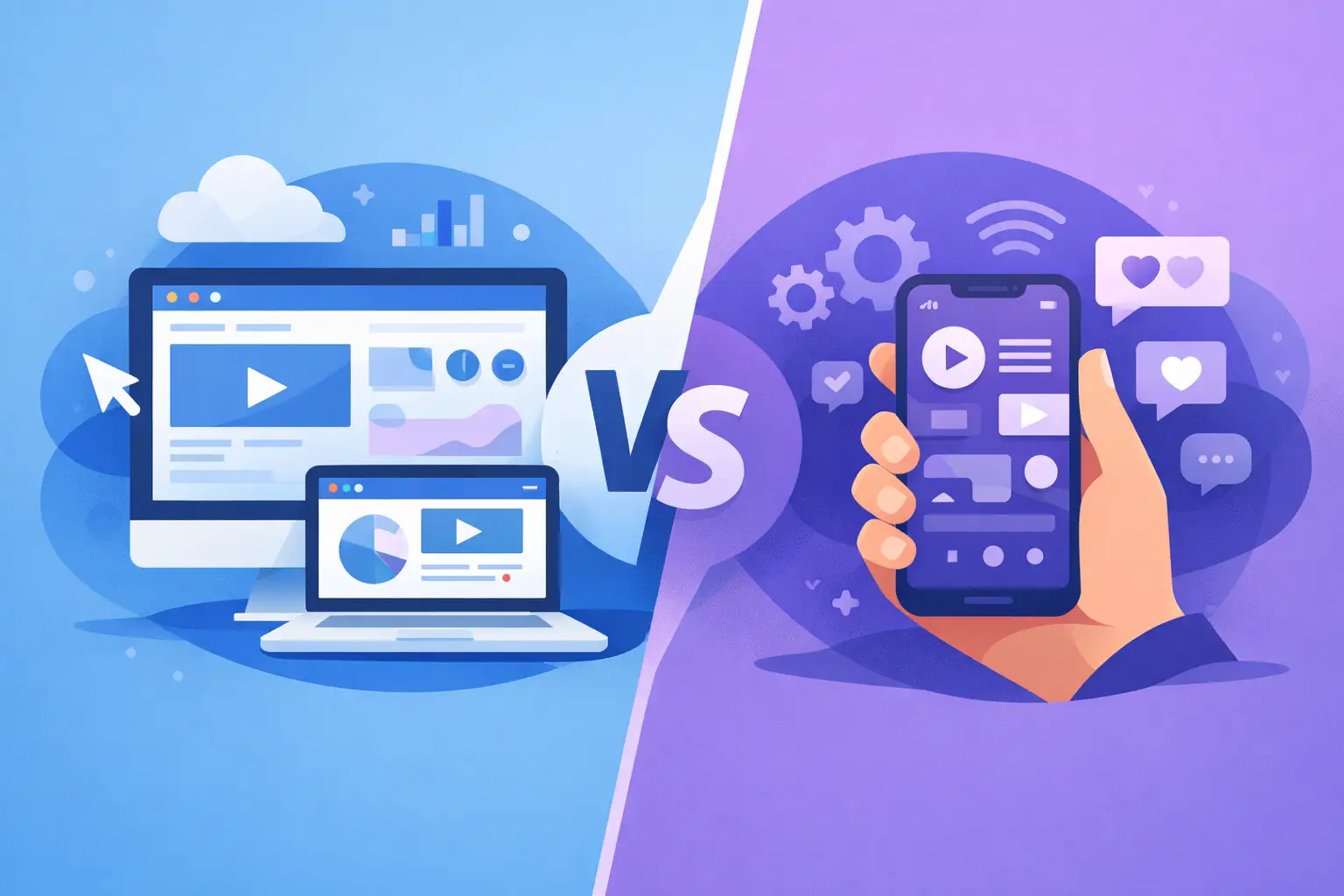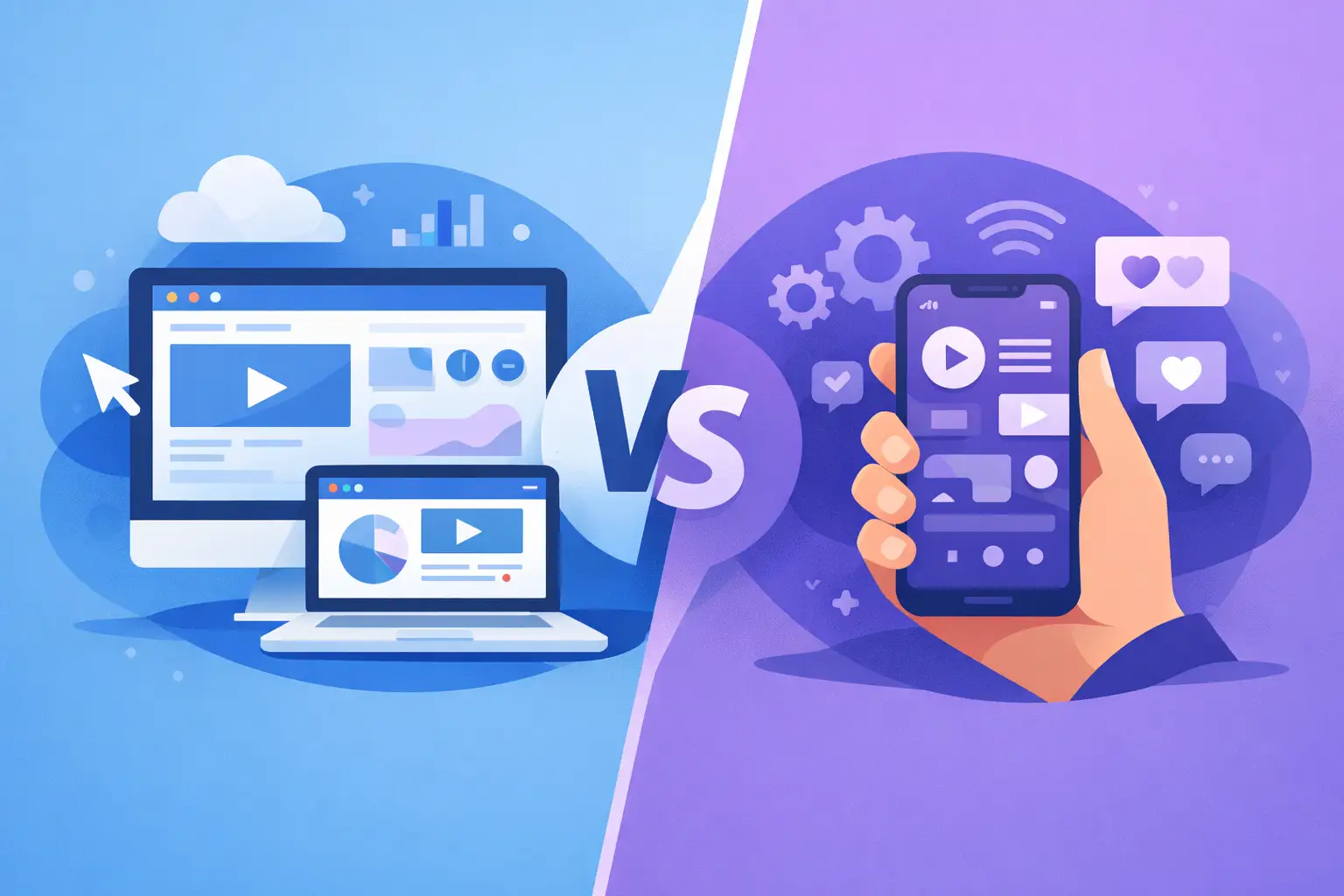
A customer sees your product in a shared link, opens it during a meeting, and decides to try it before the conversation ends. That moment makes the web app versus mobile app decision more than a technical choice. It determines how quickly people can reach your product, what they expect from it, and how much effort it takes to improve it after launch.
For many early products, the best answer is not the platform with the most features. It is the one that lets you test the most important behavior with the least friction. A web app can get someone from curiosity to use in seconds. A mobile app can earn a more permanent place in a customer’s routine. The right choice depends on the job your product needs to do first.
Web App Versus Mobile App: The Practical Difference A web app runs in a browser. Users can access it through a URL on a desktop, tablet, or phone without installing anything from an app store. It can support accounts, dashboards, payments, databases, real-time updates, and most workflows associated with modern software products.
A mobile app is installed on a phone or tablet, typically through the Apple App Store or Google Play. Native mobile apps are built specifically for iOS or Android. Cross-platform mobile apps use one shared codebase to serve both, with trade-offs depending on the tools and features involved.
The distinction is not simply browser versus device. It is about context. Web apps are often strongest when people need to discover, compare, create, collaborate, or complete a task on a larger screen. Mobile apps are strongest when the product benefits from habitual use, device hardware, notifications, or fast access while someone is away from a desk.
A booking platform, client portal, analytics tool, marketplace, or AI workspace often starts well as a web app. Users may arrive from search, a referral, an email, or a sales conversation. A link is enough to begin.
A running coach, delivery tracker, field-service tool, camera-based scanner, or social product may have a stronger case for mobile. These experiences can depend on location, motion, push notifications, offline access, or one-handed interaction throughout the day.
Start With the User’s First Meaningful Action The most useful question is not, “Which platform is better?” Ask: “Where will someone be when they get value for the first time?”
If that first meaningful action involves entering detailed information, reviewing options, uploading files, managing a workspace, or inviting teammates, a web app is usually the more natural starting point. Larger screens make complex flows easier to understand, and browser-based access makes sharing and onboarding simple.
If the action happens in the moment - scanning a receipt, logging a workout, checking in at a location, capturing a photo, or responding to an alert - mobile may be essential. Opening a browser, signing in, and finding the right page can be enough friction to break a time-sensitive workflow.
Consider user frequency as well. People may tolerate a browser-based tax planner they use a few times a year. They may expect a mobile app for a daily meditation habit. Frequency alone does not require an app store presence, but repeated, personal use makes mobile more compelling.
There is also a difference between acquisition and retention. Web apps are easier to distribute because every campaign, social post, QR code, email, and referral can point to the product directly. Mobile apps generally add an installation step, which can reduce conversion for new visitors. Once installed, though, a mobile app can be closer at hand and more visible in a user’s daily routine.
Speed to Market and Cost of Change For a new idea, the biggest advantage of a web app is iteration speed. You can publish an update and make it available immediately. There is no app review cycle, no dependency on store approvals, and no need to persuade every existing user to update before a fix reaches them.
That matters when the product is still taking shape. Early builders frequently learn that the original workflow is too long, the pricing model needs adjustment, or one small feature matters more than a large planned release. A web app makes those course corrections less expensive.
Mobile development can introduce more moving parts. You may need to account for screen sizes, operating system versions, permissions, app store metadata, release reviews, and platform-specific design expectations. Cross-platform tools reduce duplicated work, but they do not remove every platform decision.
This does not mean mobile is always slower in a meaningful way. If your core value depends on the phone, building a web version first can create its own waste. A web substitute for a route-tracking app, for example, may not test the behavior that makes the product valuable. The cost to consider is not only development time. It is the risk of validating the wrong experience.
A practical first release should answer a focused question: Will people return to solve this problem? Build the smallest platform-specific experience that can answer it honestly.
Features That Can Change the Decision Modern web apps can do far more than static websites. They can manage authentication, subscriptions, collaborative workspaces, data dashboards, file uploads, and responsive mobile layouts. For many business products, those capabilities cover the real requirements.
Still, certain features can make mobile the better foundation. Push notifications are more direct and familiar in a native app. Camera access, Bluetooth connections, geolocation, background activity, health data, contact access, and offline-first workflows may be easier or more dependable when designed for mobile from the start.
Performance is another factor, especially for graphics-heavy products, real-time media, games, video editing, or complex interactions. A well-built web app can feel fast, but native mobile development can offer more control when every frame and device resource matters.
Do not choose native mobile only because it feels more established. Customers rarely reward a product for using a particular architecture. They reward it for being useful, clear, responsive, and available when they need it.
A Web-First Path Often Preserves Options For founders and product teams with an unproven concept, web-first is often a practical default. It creates a shareable product surface, supports rapid feedback, and gives you a clearer view of which features people actually use. You can validate accounts, payments, data models, permissions, and core workflows before investing in platform-specific polish.
That foundation can also make a later mobile project more focused. By the time you build it, you may know that users only need three key actions on their phones while the full management experience belongs on the web. That is a better outcome than forcing every desktop workflow into a small screen.
This approach works especially well for SaaS products, internal tools, customer portals, marketplaces, education products, and AI-enabled services. A polished responsive interface may be enough for the first version, even when users access it from their phones.
Tools such as Sparkly can help reduce the distance between a product brief and a working web prototype. Describe the workflow, refine the interface through prompts, connect the services your product needs, and test the experience with real users before committing to a larger build.
When Mobile Should Come First Choose mobile first when the phone is not just a screen but a core part of the product. If people need to act while moving, receive timely reminders, use device sensors, or capture information in the physical world, a desktop-first flow can feel disconnected from the problem.
Mobile can also be the right choice for a consumer experience where habit and convenience are central. Think personal finance check-ins, loyalty programs, fitness tracking, local discovery, or communication tools. In these cases, the app icon, notifications, and fast launch behavior support the product’s value.
Be precise about what “mobile first” means. It does not always mean building every feature in the native app. You may still need a web-based admin area for support, content management, account settings, reporting, or team operations. Many strong products use both surfaces intentionally rather than treating one as a lesser version of the other.
Make the Decision Based on Evidence Before choosing, write down the first user, the first valuable action, the environment where it happens, and the reason they would return. Then pressure-test the choice with a clickable prototype or small working release.
If users share links, work with detailed information, and need no device-specific capability, start on the web. If they need the phone’s hardware, immediate access, or repeated in-the-moment interaction, prioritize mobile. If the answer is mixed, build the core workflow where it is easiest to test and let real behavior determine what comes next.
The best platform is the one that gets your product into the right hands early enough to teach you something useful. Build for that moment first, then let the next version earn its complexity.